All work

Locker24 signage

Step-by-step instructions printed on the lockers.
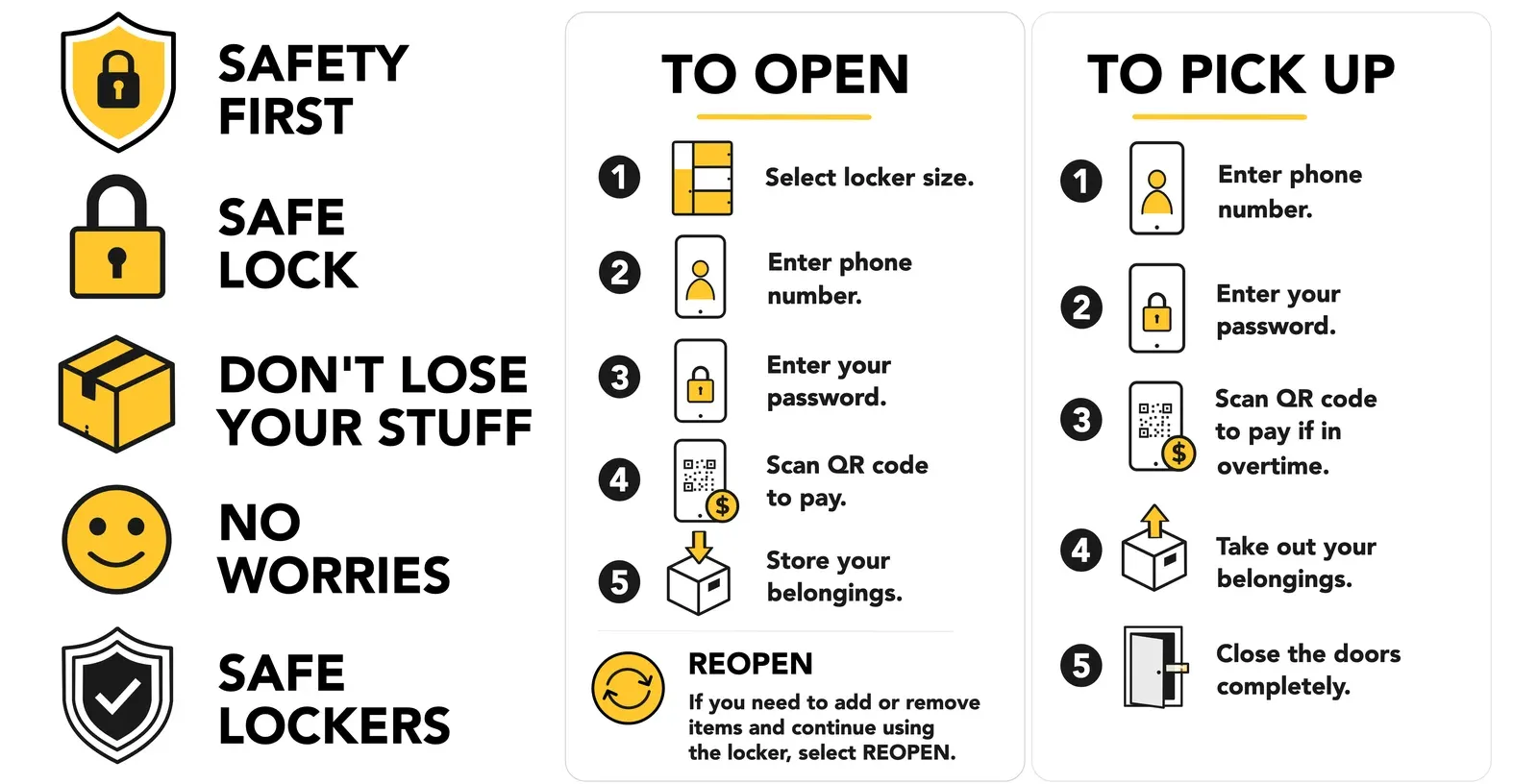
Locker24 sticker artwork on white: five safety pictograms with short labels beside two instruction panels, To open and To pick up, each with five numbered steps.
Fig. 1The sticker artwork: safety pictograms and the two instruction panels. Captured 9 Oct 2026.
Role
Graphic design
Year
2026
Status
Live
Tags
Graphic

Pictograms and step-by-step instructions for Locker24 smart lockers, drawn as vectors in Affinity so they work at any size, from a sticker on the unit to a social post. Each instruction has five numbered steps with an icon for every step.

A row of Locker24 pictograms: a shield with a lock, a padlock, a parcel, a smiley, a shield with a check mark, then the step icons for locker size, phone number, password, QR payment, store, collect and close, and a reopen symbol.
Fig. 2The pictogram set, drawn as vectors. Captured 9 Oct 2026.
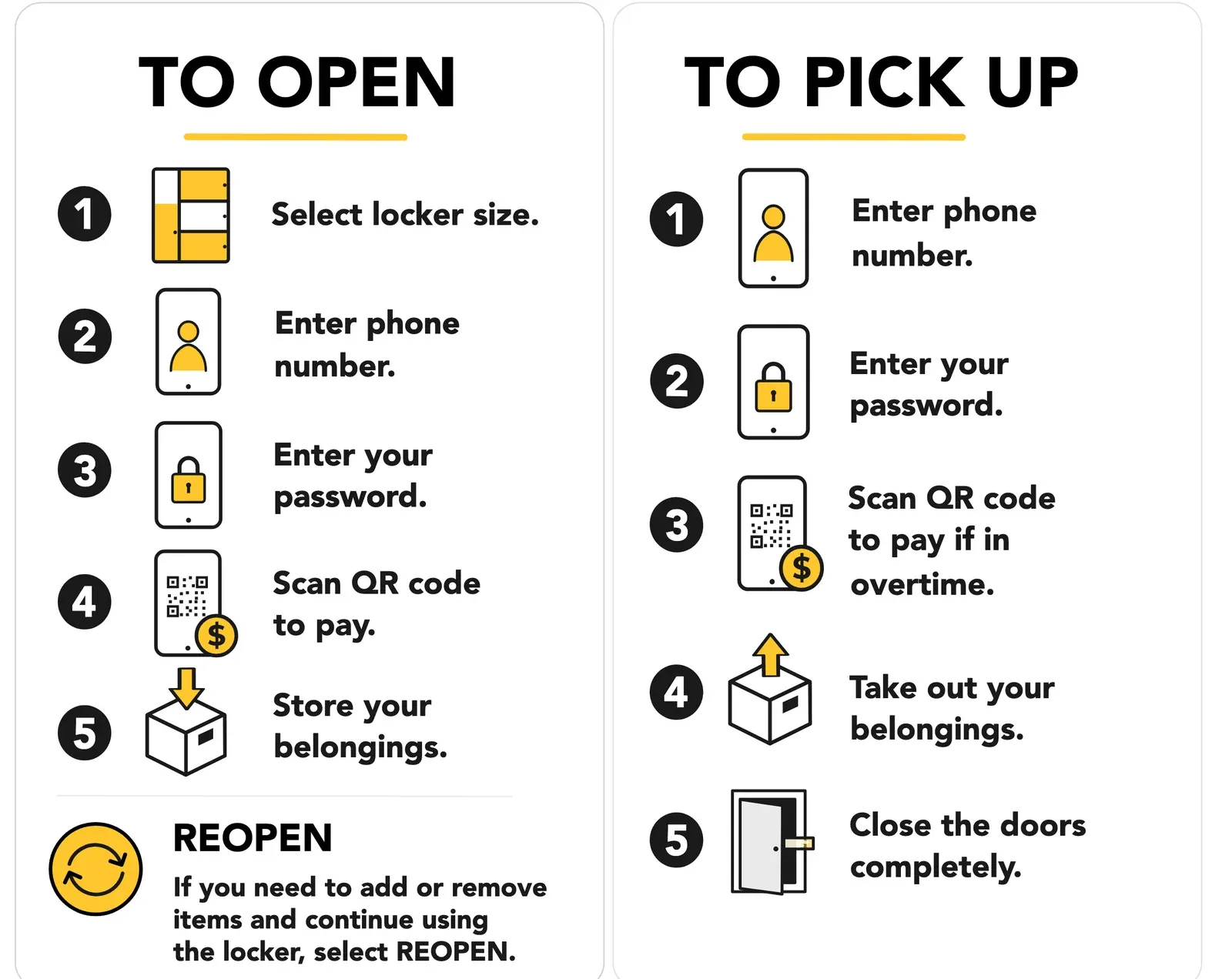
Two Locker24 instruction panels. To open: select locker size, enter phone number, enter password, scan QR code to pay, store your belongings, then a reopen note. To pick up: enter phone number, enter password, scan QR code to pay if in overtime, take out your belongings, close the doors completely.
Fig. 3To open and To pick up: five numbered steps each, with an icon for every step. Captured 9 Oct 2026.

Hiring, or have a project?

[email protected]